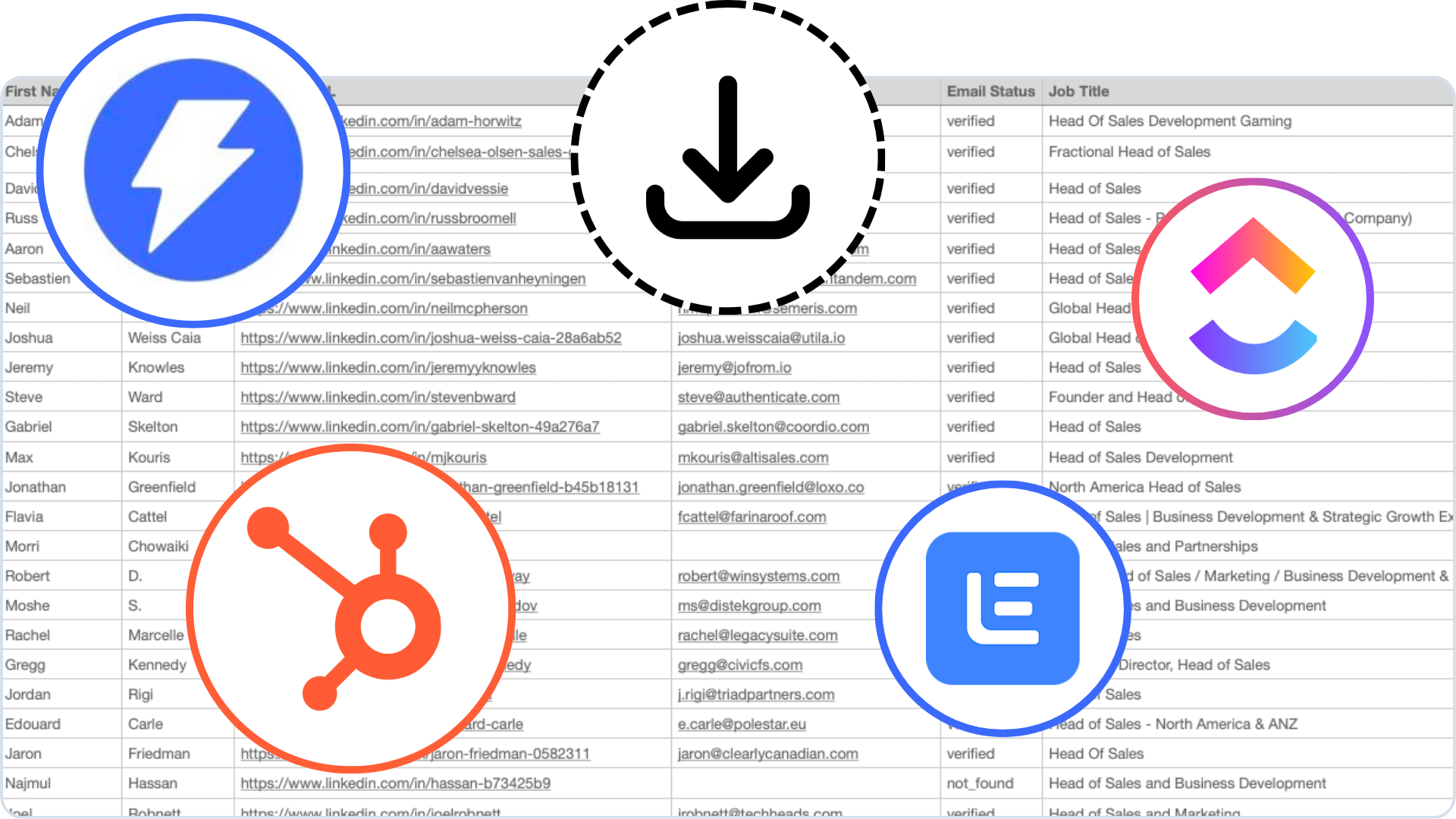
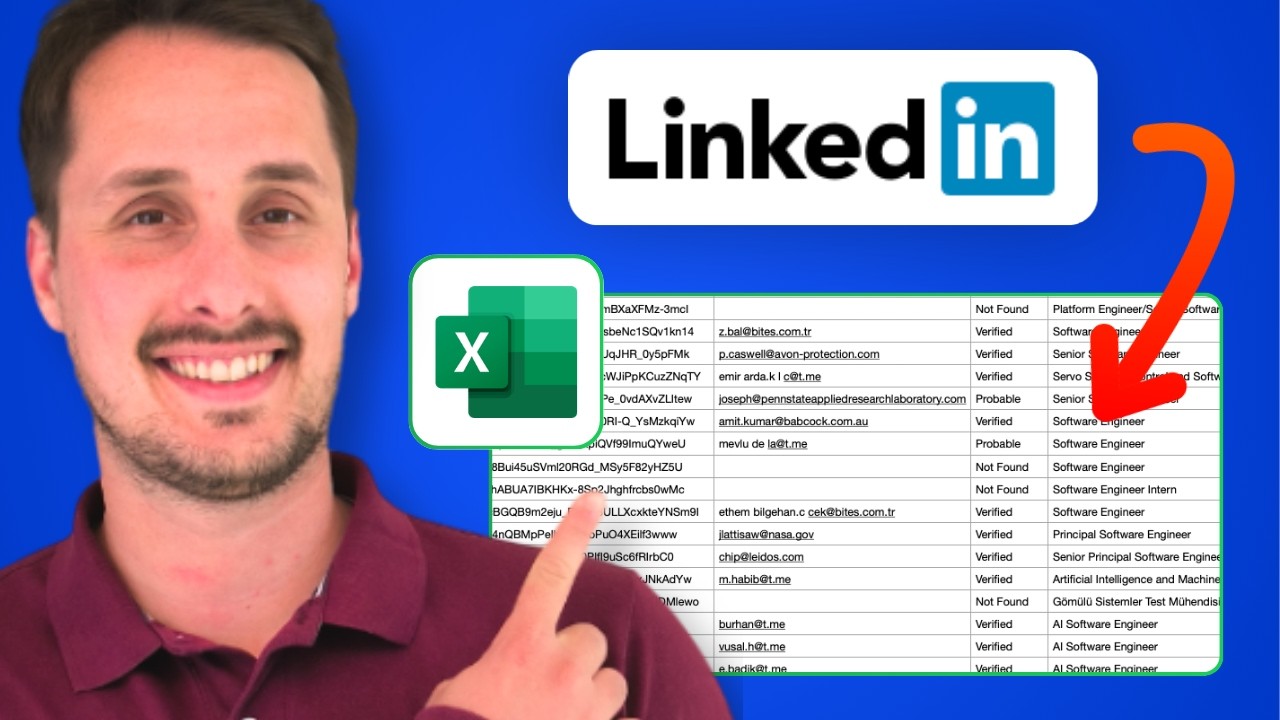
Export leads from LinkedIn Sales Navigator in one click
Turn any Sales Navigator search into a clean CSV with verified emails.
Trusted by 1,000+ companies worldwide













"GiveMeLeads cut our Sales Navigator list-building time from 3 hours to 15 minutes. We use it for multiple clients, and the data quality is great, with 80%+ verified emails on every export. It's also cheaper than Evaboot."

Antoine Nicolas
Founder · GyoGyo
"The waterfall enrichment helps us find more emails than other tools we've tried. Since switching, our cold email bounce rate has dropped from 12% to under 2%."

Marc Lamboley
CEO · Enord
"I've used dozens of scrapers, and many of them are unreliable, unsafe, and expensive. I switched to GiveMeLeads 2 months ago, and it works like a charm. I can now scrape at a much more cost-effective price."

Andrea Cella
Co-Founder · Hover
From Sales Navigator search to ready-to-send list
Four steps. Under five minutes.
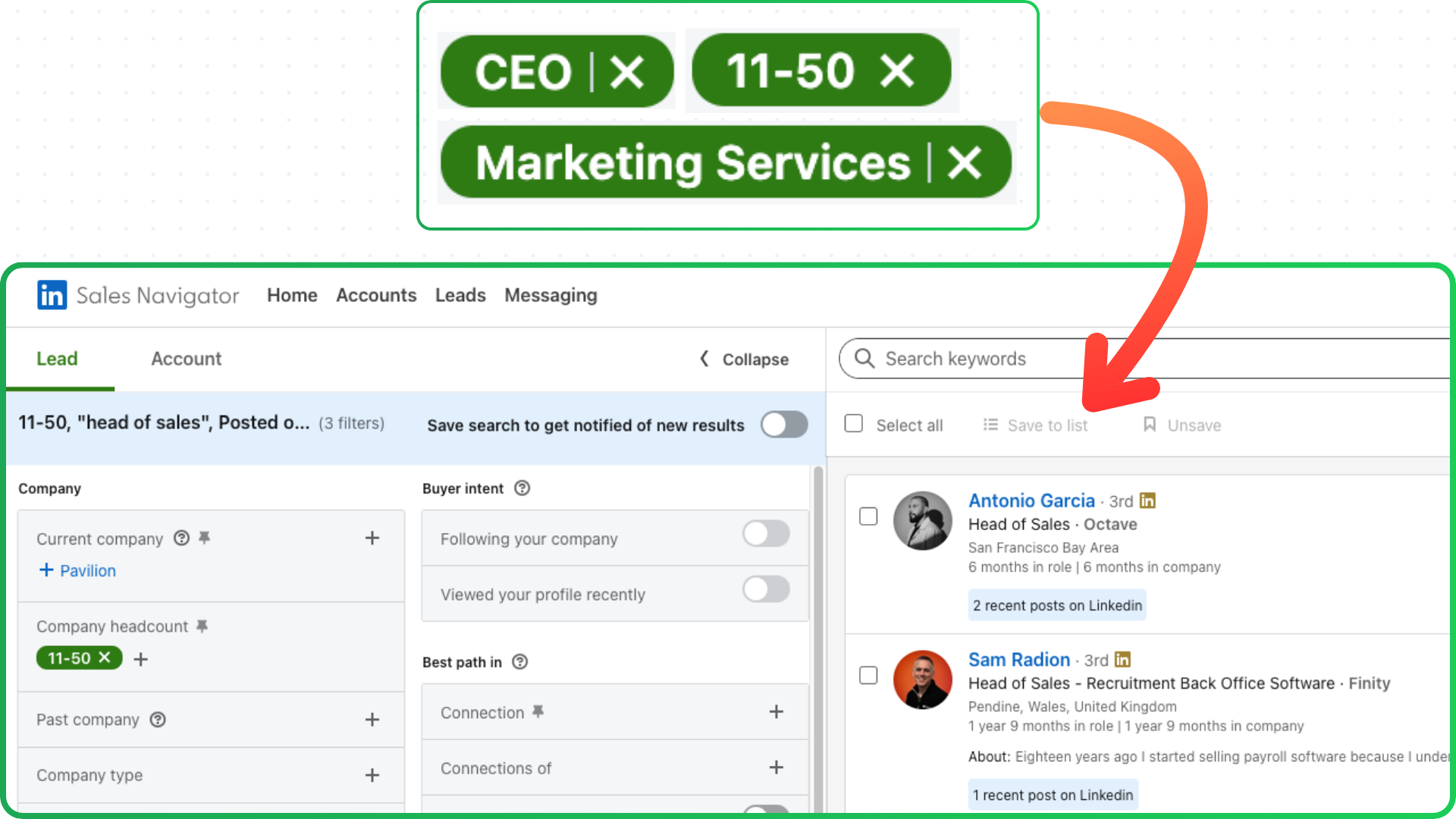
Build your search in Sales Navigator
Use any combination of Sales Navigator's 40+ filters (job title, company size, industry, geography, seniority, and more) to narrow down your ideal prospects.
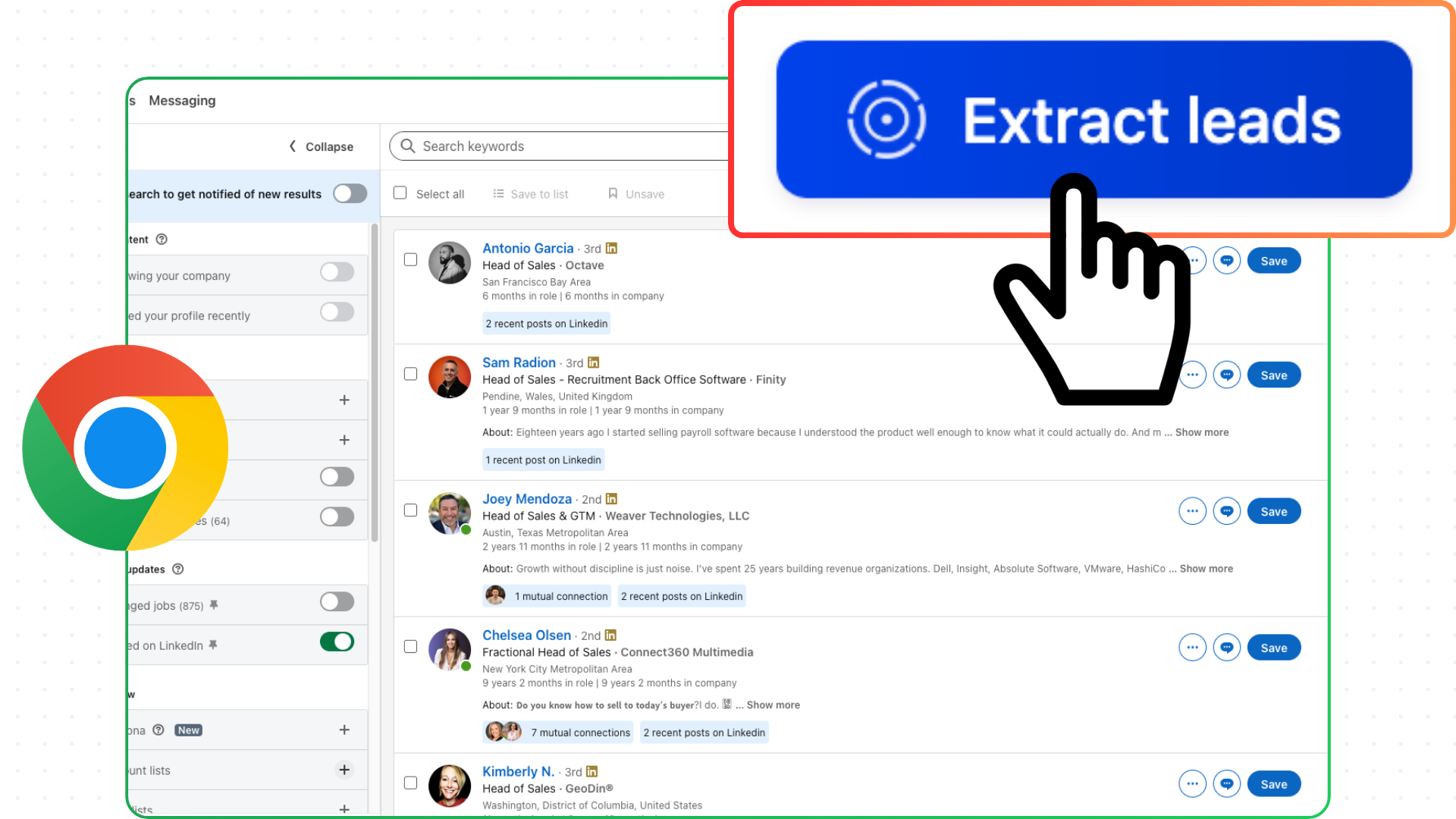
Click Extract Leads in the Chrome extension
Once your search results look right, click Extract Leads. Choose how many leads to export and whether to enrich with verified emails.
Download your clean CSV
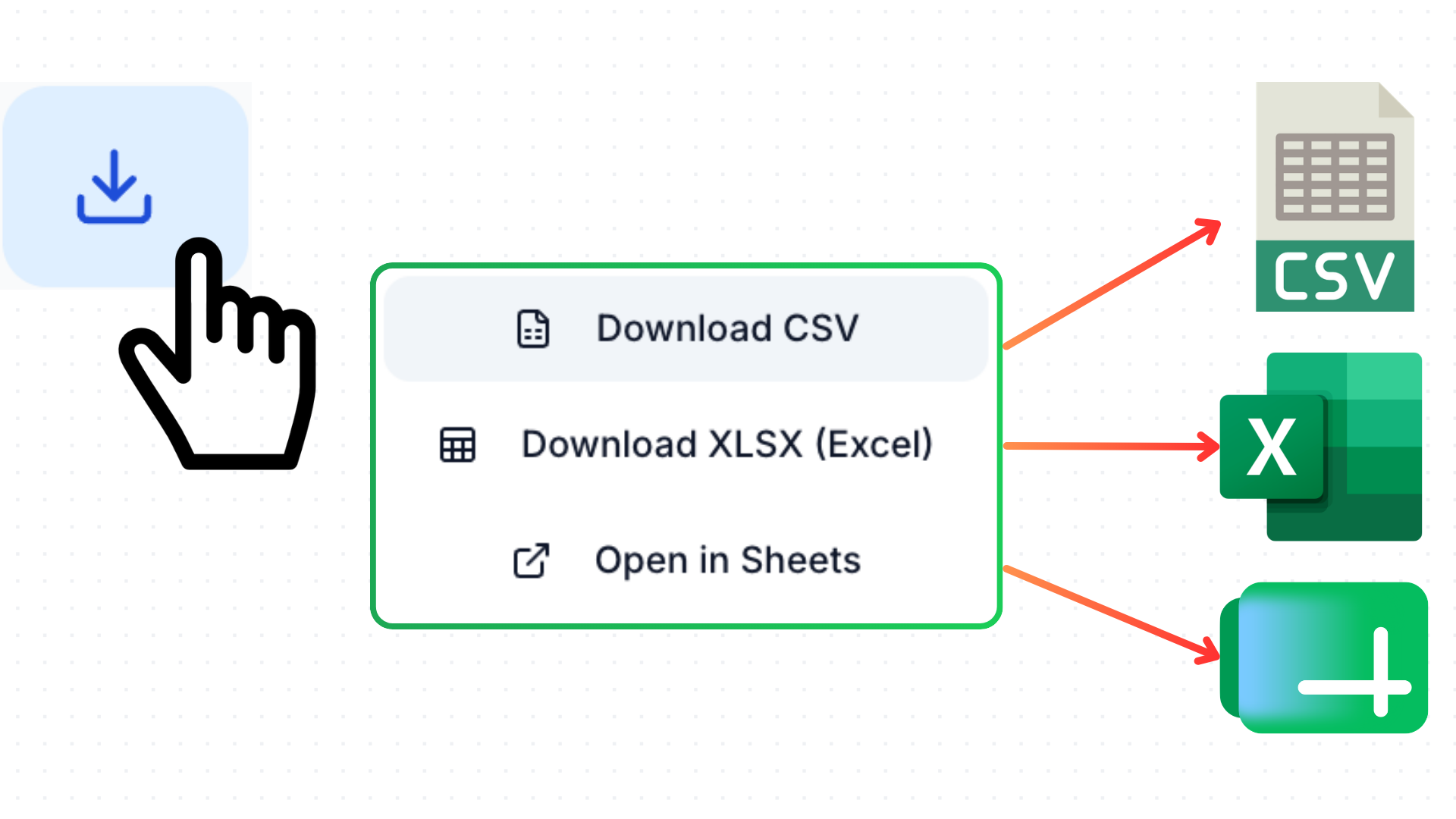
When the export finishes, download your list in the format of your choice (CSV, XLSX or Google Sheets).
Import into your CRM or outreach tool
Drop your CSV straight into HubSpot, Lemlist, Instantly, or any tool that accepts a spreadsheet. No reformatting or data cleaning needed.